·   ·  8 posts
  • 1 followers
  • 2 friends

Dark mode on real phones: five things I check before shipping

Simulators flatter dark mode, so here is my checklist for testing on actual devices.

I spent the weekend testing the dark theme of our mobile feed on actual phones instead of simulators, and I'm a little embarrassed by how much I'd missed. What I check now, roughly in order of embarrassment:

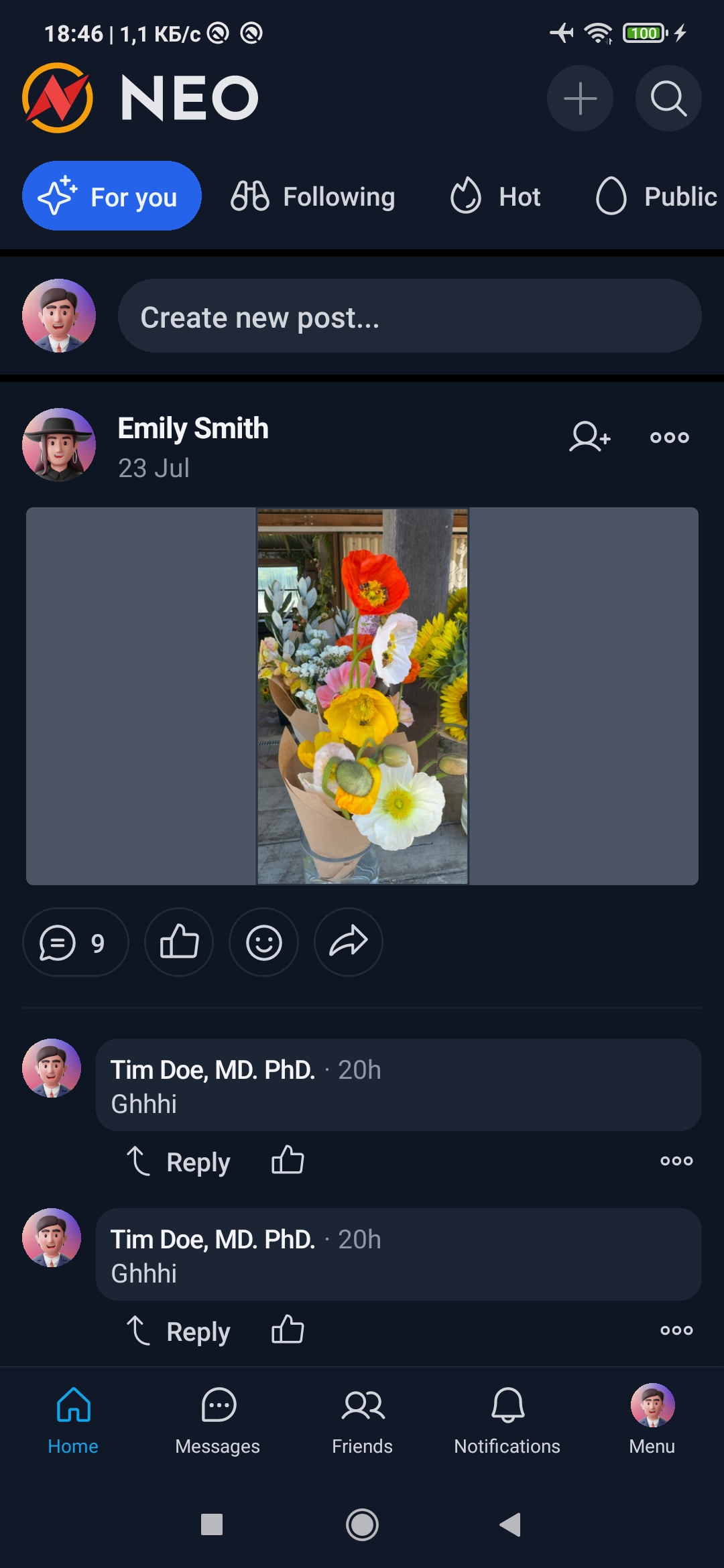
  • Photos with white backgrounds. A bright product shot in a dark feed is like a flashbang. A subtle border around images fixes most of it.
  • Grey text on dark grey. Timestamps looked fine on my monitor and vanished on a mid-range phone at half brightness. Check contrast at low brightness, outdoors if you can.
  • Logos and avatars with transparency. Dark logos on transparent backgrounds disappear completely. Give them a light backing.
  • The system switch. Flip the phone between light and dark while the app is open. Ours left one screen stuck in the old theme until you restarted.
  • Screenshots people share. Members screenshot posts and send them elsewhere. Make sure those still read well out of context.

None of this is hard to fix. It's just easy to never notice, because most of us build on big bright screens in well-lit rooms.

The fixes go out with the next update. If anything else looks off in dark mode, post a screenshot in the comments and tell me which phone you're on.

  • 472

Info

Category:
Created:
Updated:

html

asdasdasd

Comments (0)